BUEB Main page
For students HU - Magyar

Budapest University of Economics and Business

  • Admission
      • Our programmes
      • Tuition fee
      • Bachelor's
      • Master's
      • Doctoral School
      • Erasmus+
      • Intensive week
      • Summer School
      • Application
      • Admission process
      • Stipendium Hungaricum scholarship
      • Institutional transfer
      • Visa and residence permit
      • Accomodation & living expenses
      • Life in Budapest
      • Student life
      • BUEB Ambassadors
      • Freshmen guide
      • Student Services Centre
      • BUEB scholarships
      • BEE mentorship
      • Student organizations
      • Sport & health
  • Our university
      • About us
      • About BUEB
      • Foundation for the Budapest University of Economics and Business
      • Management of BUEB
      • Faculties of BUEB
      • International relations
      • Accreditations
      • Partner Universities
      • International Projects
      • Inbound mobilities
      • Staff and faculty members
      • Student opportunities
      • Science
      • Science Life at BUEB
      • BUEB Publications
      • Talent development
      • BUEB University Library
      • Repository
      • BUEB Community
      • Sustainability
      • Business Partnership
      • BUEB Alumni
      • Contact
  • For students
  • For our colleagues
  • Apply here!
Home page >
Accessing the University Website
Budapest University of Economics and Business
BGE
Search
Menu
Search
Menu
Accessing the University Website

Login to the University Website


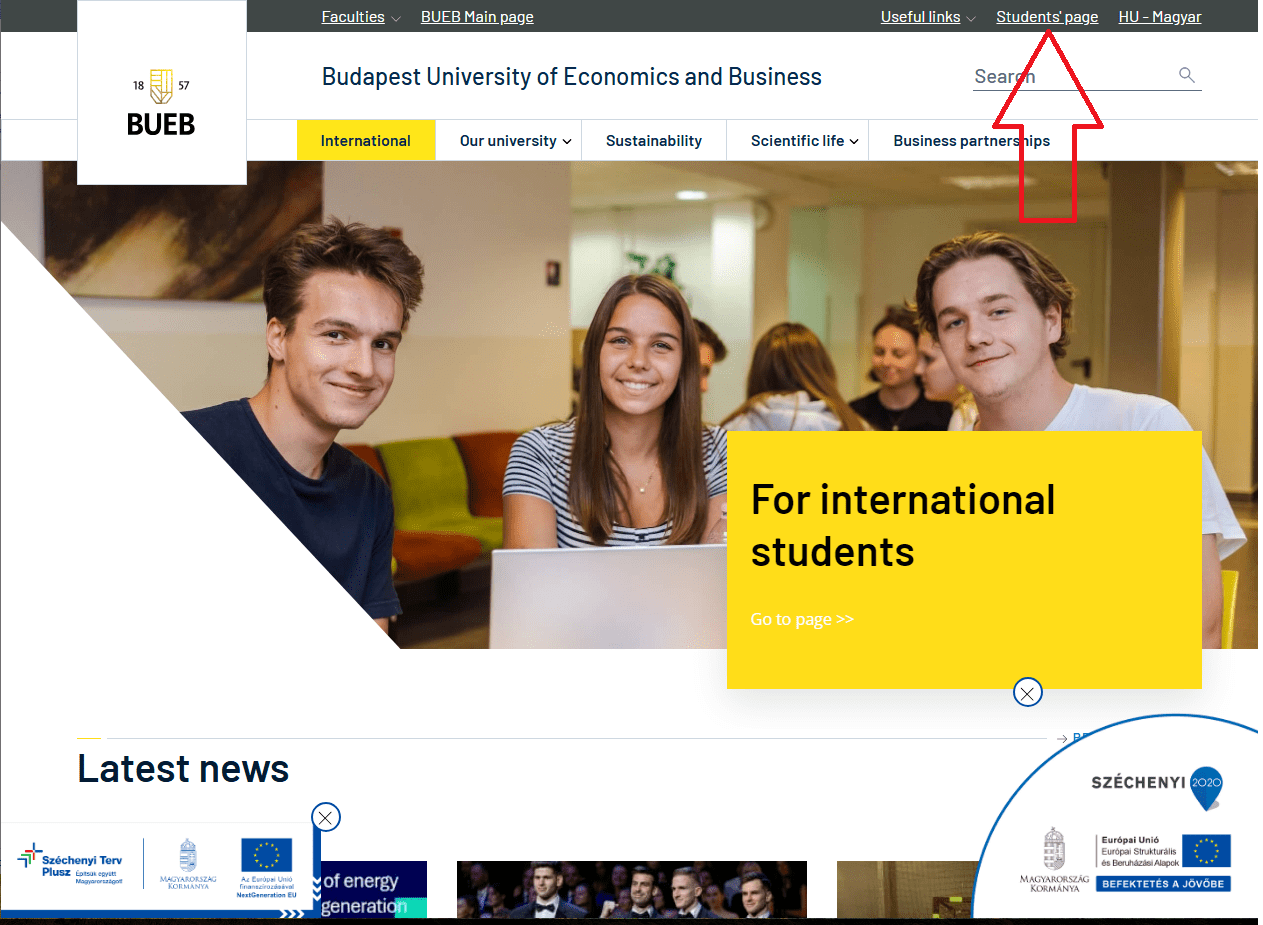
1. Open the University Website

  • Visit the following address: https://uni-bge.hu


2. Access the Student’ page

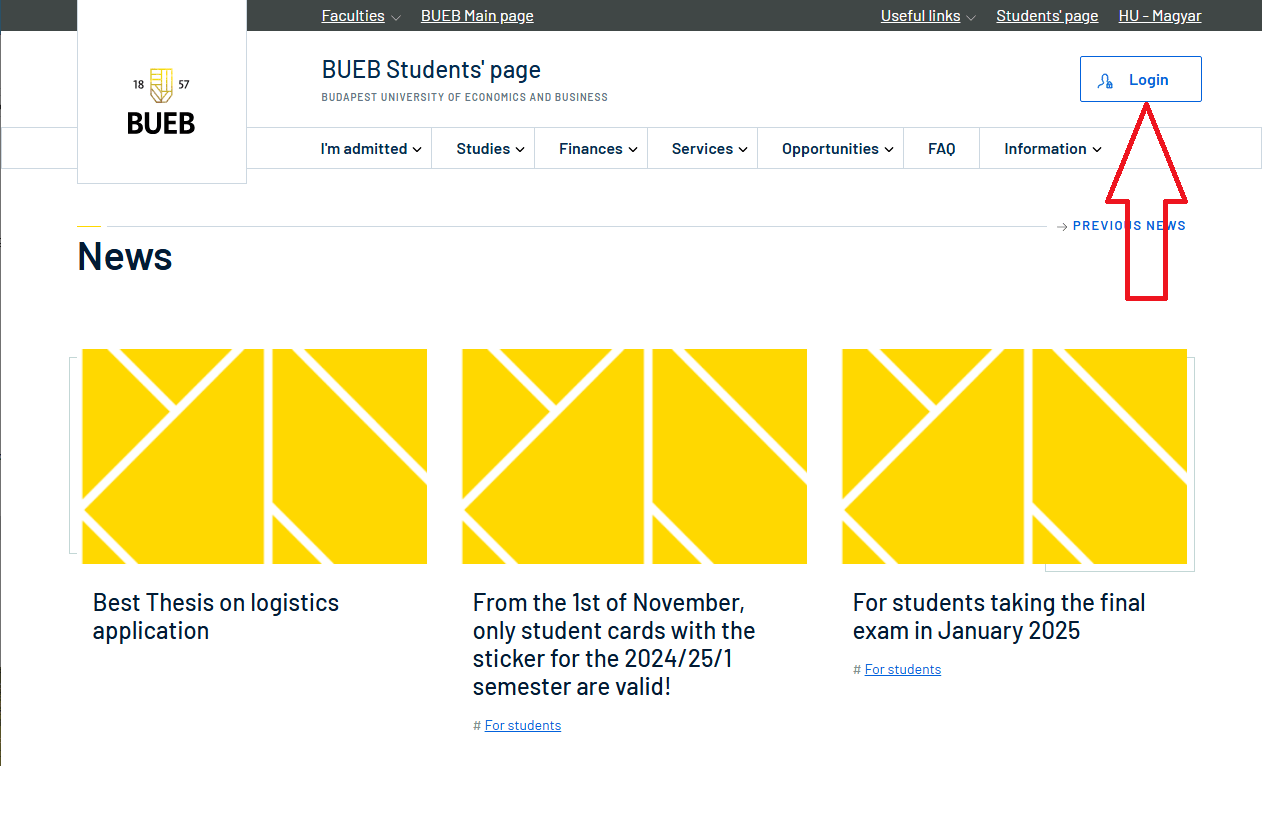
  • Click the “Student’s page” option in the top-right corner of the homepage.

  • Select “Login”.


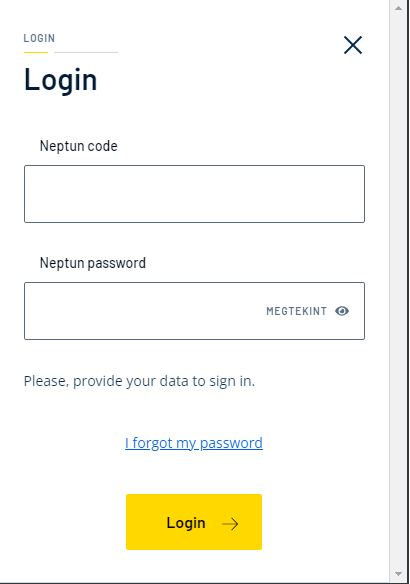
3. Enter Your Login Credentials

  • Provide your Neptun code and the associated password, then click the “Login” button.


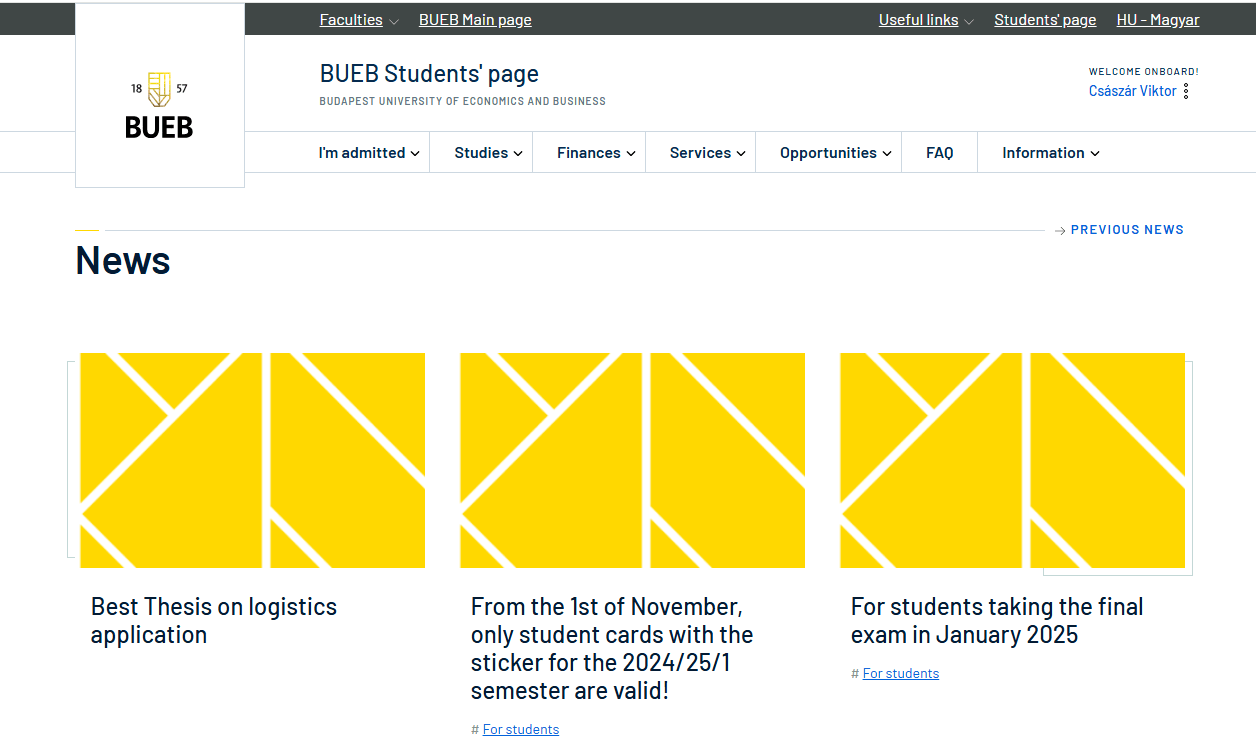
4. Successful Login Verified

If the login is successful, you will see the “Welcome onboard” message in the top-right corner along with your name.


Questions / Reporting Issues


If you encounter any issues during setup or usage, please contact the relevant faculty’s IT team. Include the following details in your email:

·        Your Neptun code

·        Your faculty name

·        A detailed description of the issue (preferably with a screenshot)

⚠️ In Case of Questions or Issues ⚠️


If there is a problem with setting up or using the services, it is recommended to contact the IT support team.
To ensure faster assistance, please include the following information in the message:

✅ Neptun code
✅ A detailed description of the issue
✅ (If possible) screenshots showing the problem

📧 Contact: informatika@uni-bge.hu

2026 - Budapest University of Economics and Business - All rights reserved v1.14.2
Useful links
  • Data of public interest
  • Regulatory Documents
  • IT guides
  • Campus locations
  • Conditions of Use
  • Cookie settings
  • Privacy Policy
  • Requirement System for Students
  • Developments
Follow us
made by